
Activate
A staff member uses SOS Aegis, LivePoint, or another approved endpoint to request help.
SOS Live for education
Give schools and campuses fast activation, indoor location context, system readiness, and coordinated workflows for staff, administrators, security, and configured public-safety partners.
The operating challenge
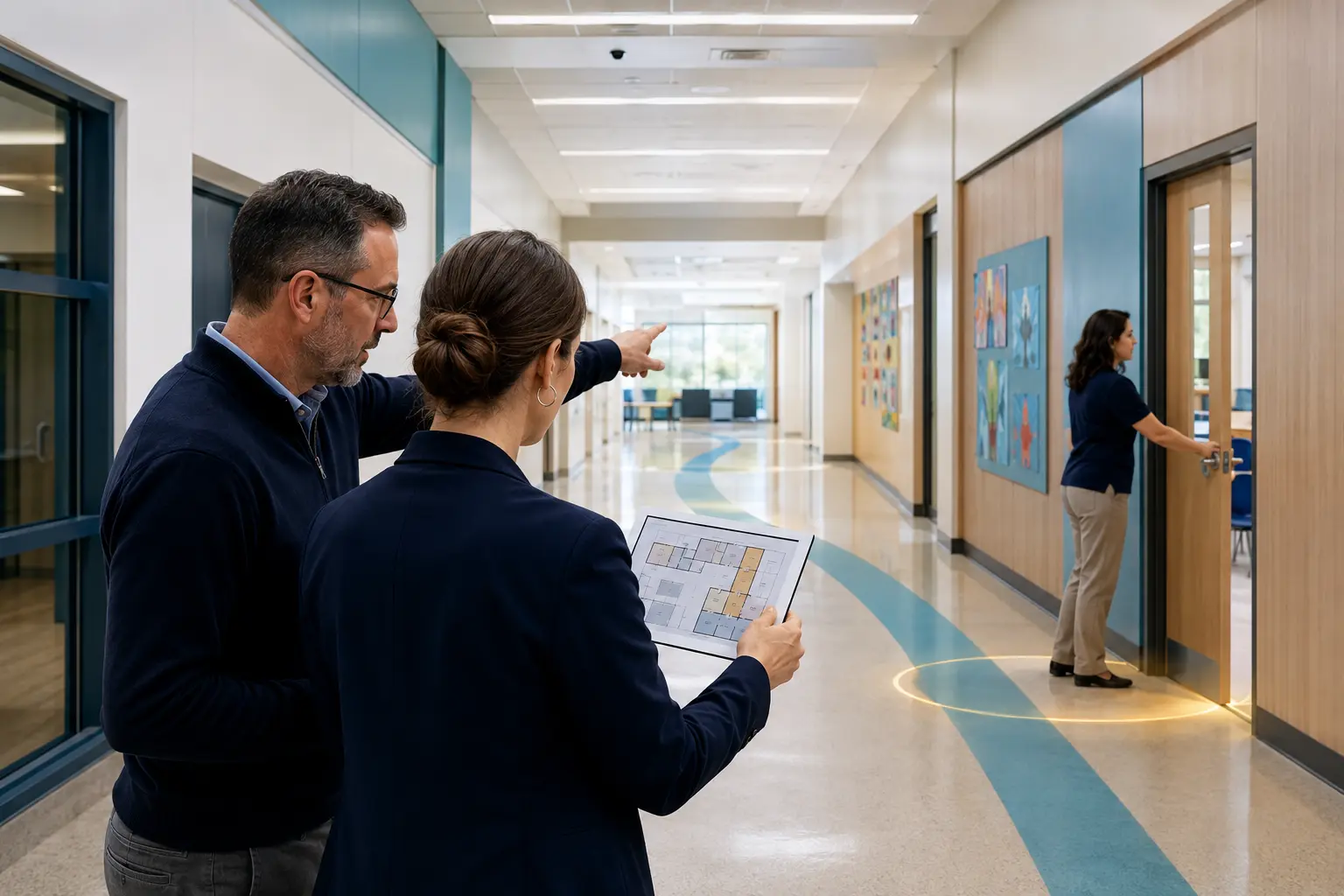
During a school emergency, responders need more than a campus address. They need to know which building, floor, room, or zone generated the alert, whether the device and workflow are healthy, and who has accepted responsibility for the response.
Representative workflow
A staff member activates an alert from inside a classroom wing. SOS Live associates the activation with identity, device, event, location, site policy, and current response status—then routes the incident to the designated school roles.
A staff member uses SOS Aegis, LivePoint, or another approved endpoint to request help.
The incident displays the best supported building, floor, room, or zone with confidence and freshness.
School safety, administrators, and other designated roles receive role-appropriate context.
The assigned responder acknowledges ownership while LiveGrid and LiveUnity keep teams aligned.
Configured public-safety workflows receive approved incident and map context when policy requires it.
Connected capabilities
SOS Live modules keep activation, location, response ownership, communication, readiness, and audit connected rather than creating another collection of isolated screens.
Accessible mobile, wearable, and fixed activation options for staff.
Indoor semantic location and simplified responder-focused floorplans.
Incident operations, system health, drills, device status, and audit.
Optional CAD, PSAP, and responder integration where approved and configured.
How SOS Live 2.0 fits
SOS Live 2.0 connects the full response lifecycle—from activation and policy to coordination, readiness, evidence, and approved escalation. Each capability can be configured around the people, risks, and operating model of this environment.
SOS Aegis, LivePoint, and approved fixed endpoints give teachers, administrators, and support personnel practical activation options without adding a complex workflow.
LiveCommand applies the school or district policy, identifies the site and user, assigns response ownership, and keeps every state change visible.
LiveLocate and LiveGrid add the best supported building, floor, room, zone, map, and route context while LiveVision can contribute approved camera or sensor metadata.
LiveUnity can target safety teams, administrators, staff groups, and leadership with role-appropriate alerts, acknowledgements, and safety checks.
LiveDispatch supports configured CAD, PSAP, and responder workflows without assuming every event or deployment follows the same external path.
Deployment design
A strong design starts with roles, risks, policy, existing systems, and acceptance criteria—not a one-size-fits-all device count.
Build a better response
We’ll map campuses, staff roles, activation options, indoor location requirements, escalation policy, and readiness acceptance criteria.